
+

The most connected AI workflow automation platform
Send Newsletter, Connect with Your CRM, Upload to Your Social Channels Automatically
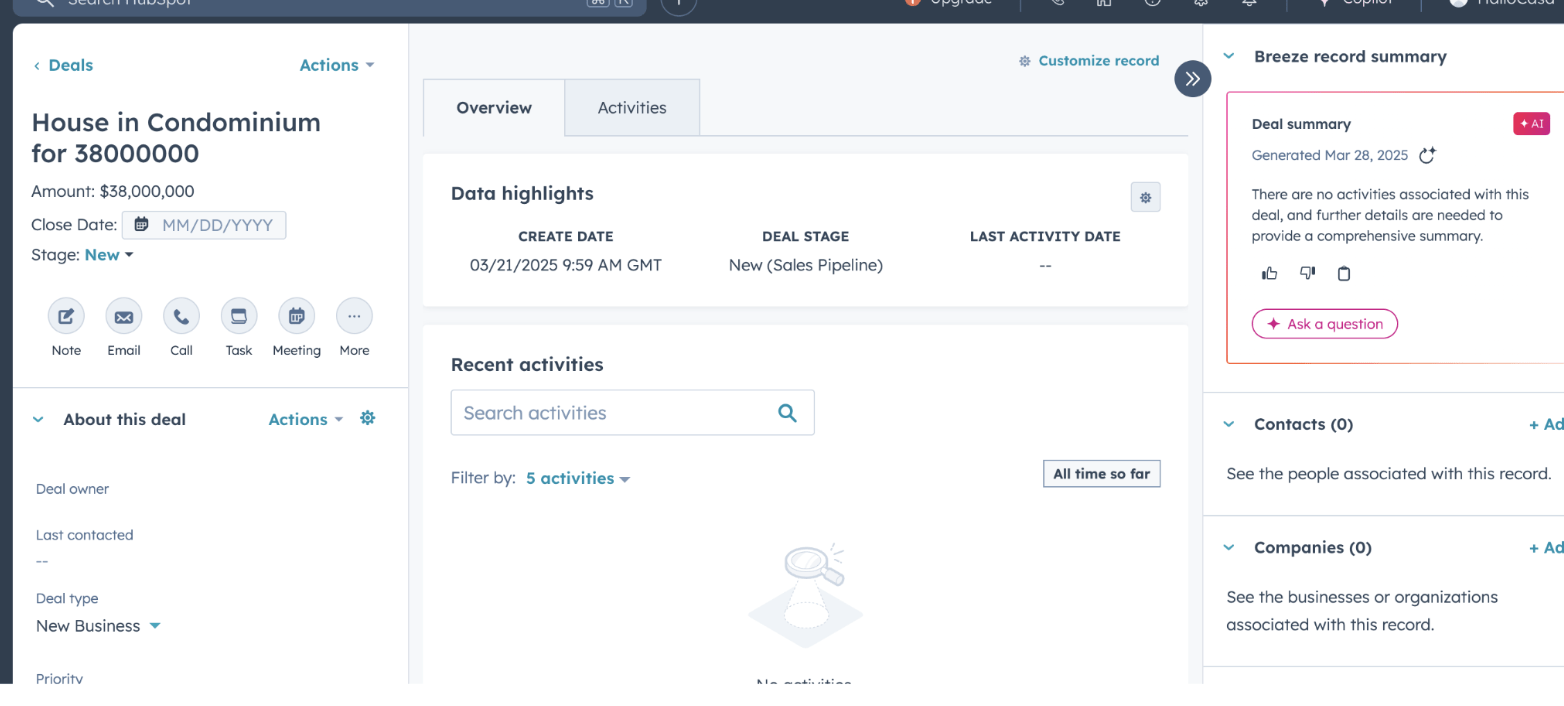
1. Create automatically a Deal in Your CRM with Information from Your Listing
1.1 Create a Zapier Account by clicking here.
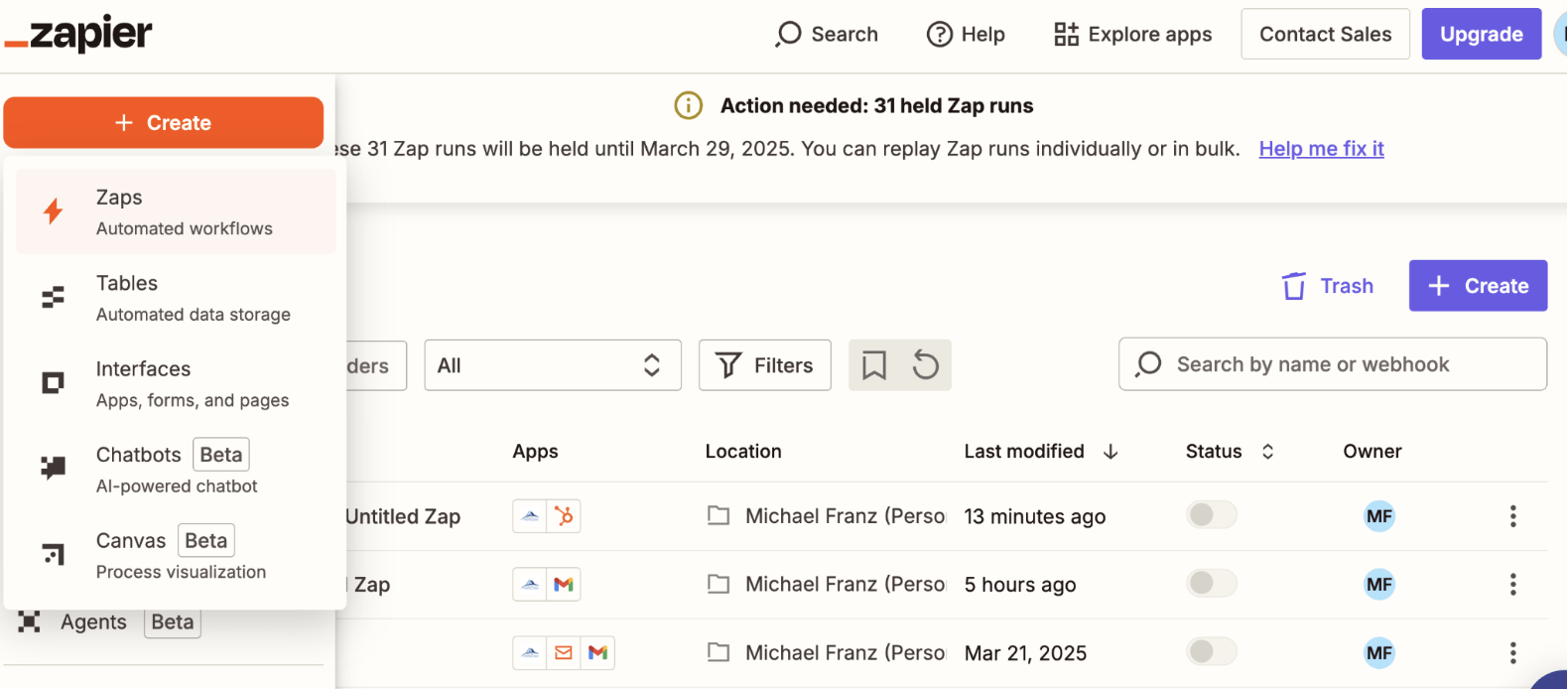
1.2 Click on “Create”
1.3 Choose “Zaps”
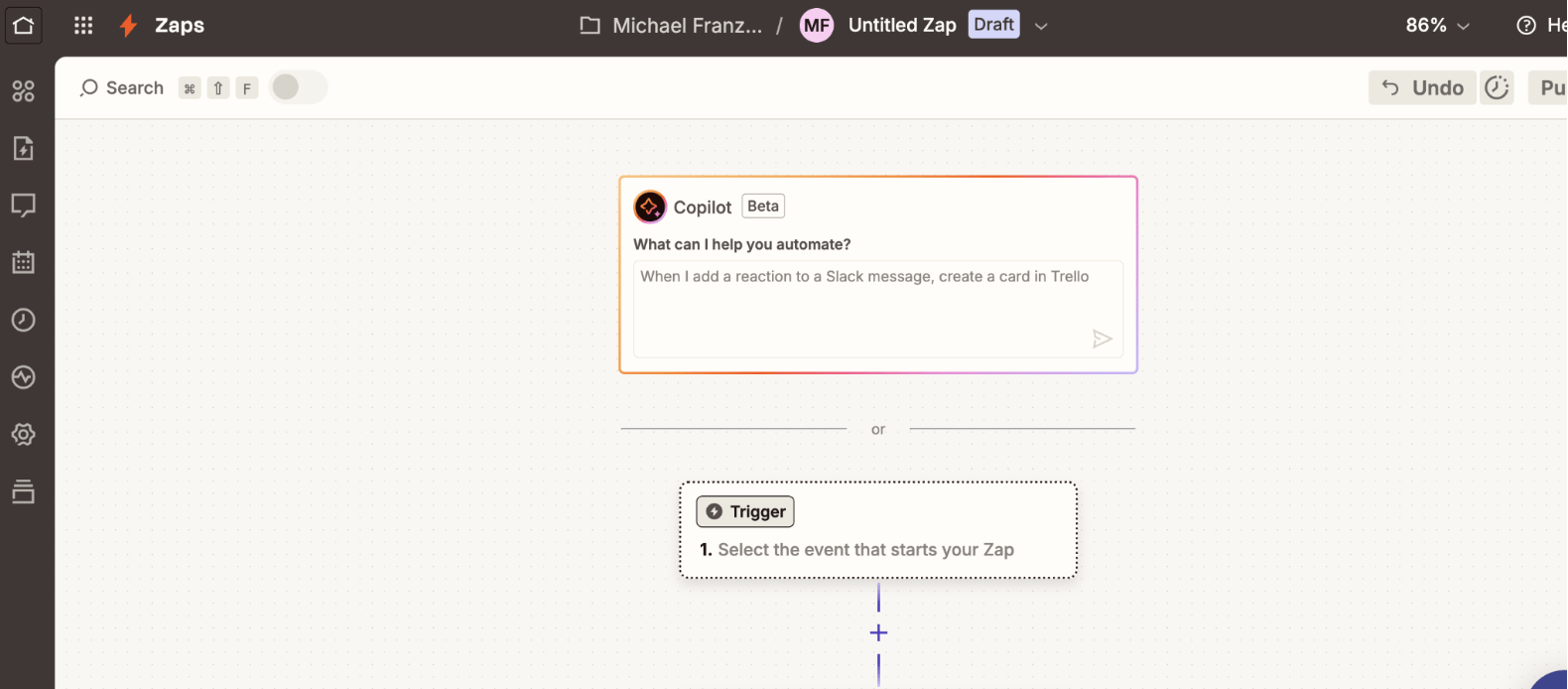
1.4 Click on the “Trigger” Box
1.5 Search “HalloCasa”
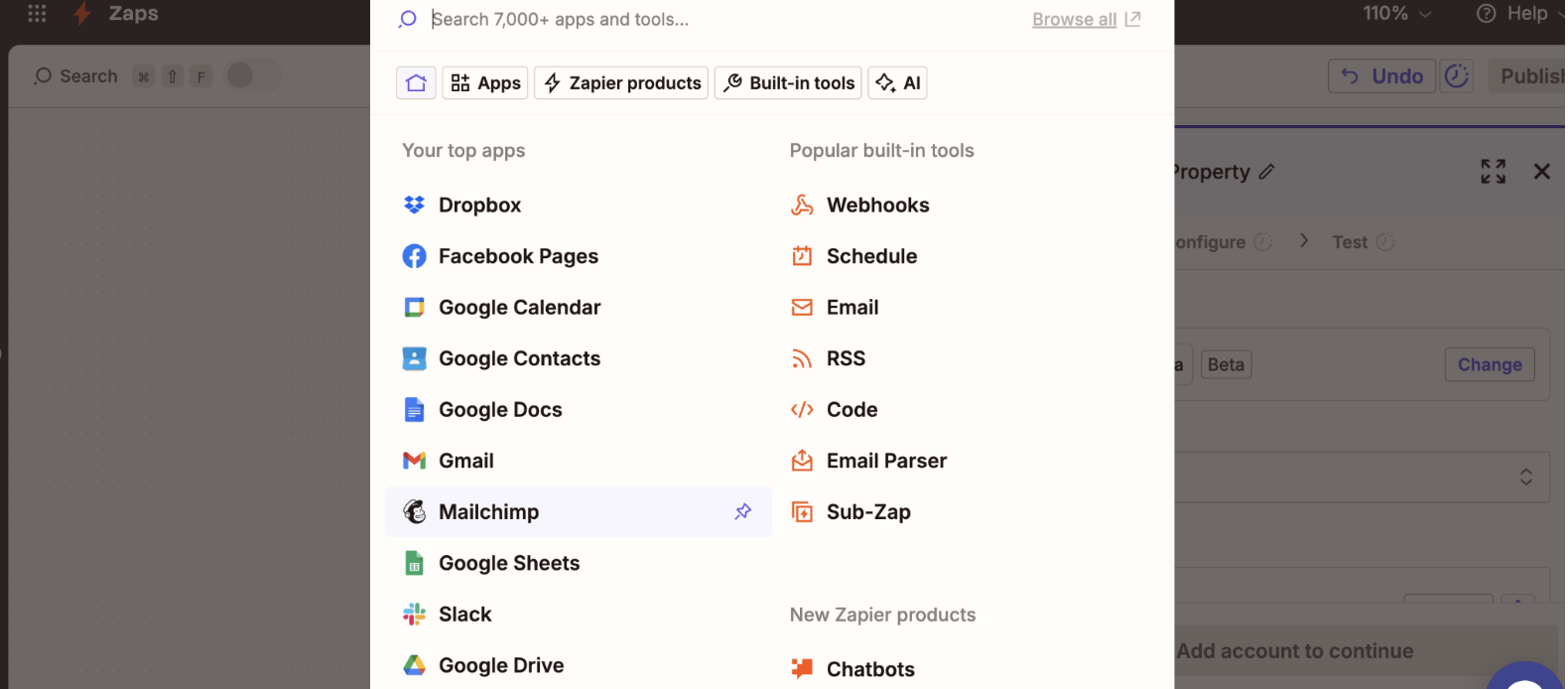
1.6 Select “HalloCasa”
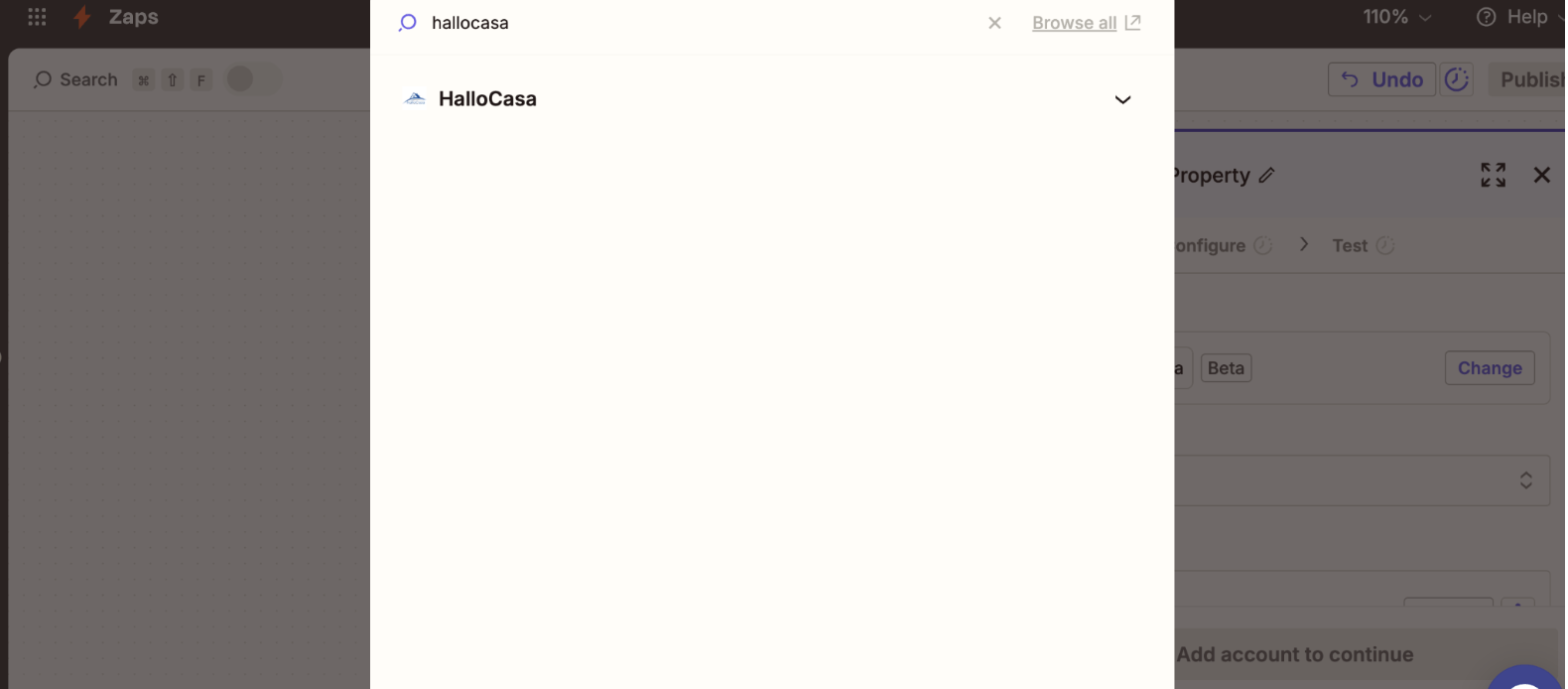
1.7 In the right box, click on “Trigger Event”
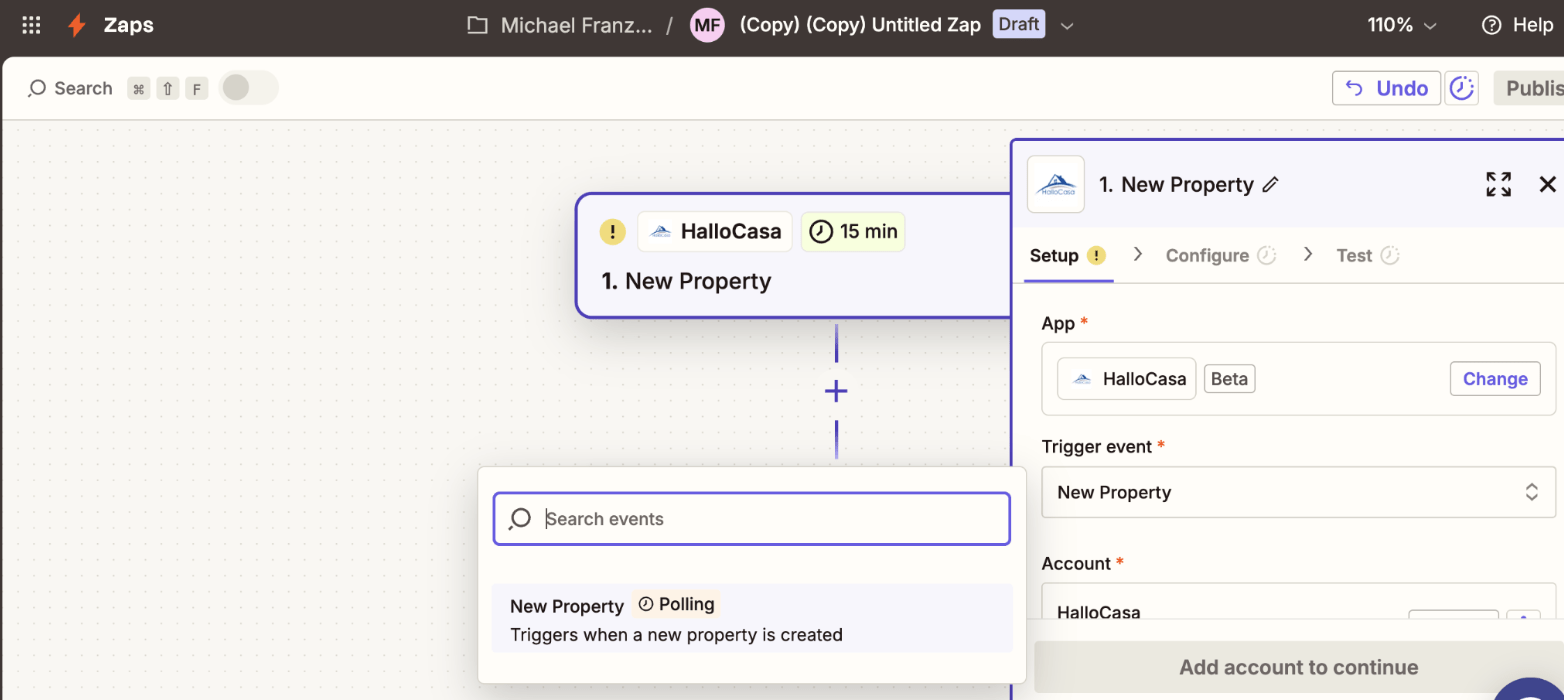
1.8 Log in with Your HalloCasa Login Details to connect to HalloCasa
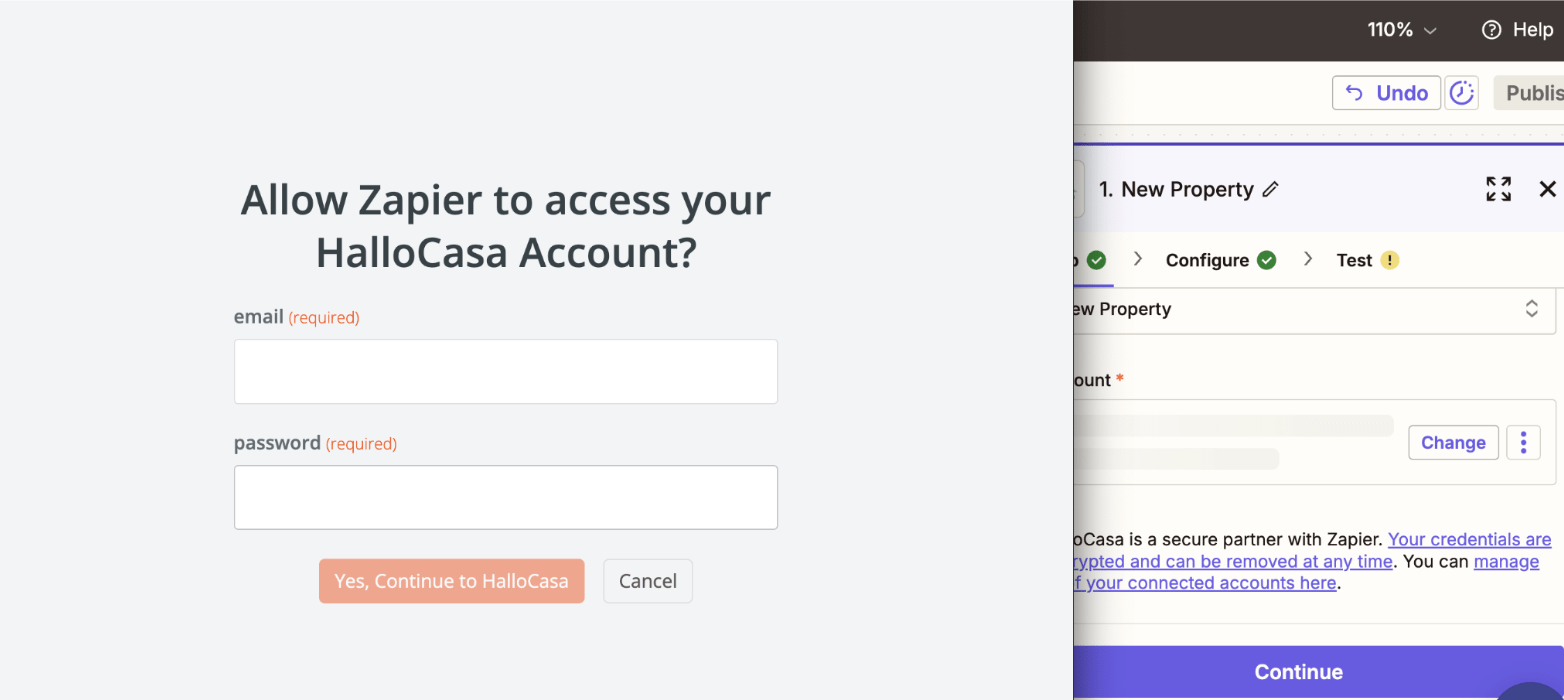
1.9 Enter “15”
1.10 Enter Your Email Address
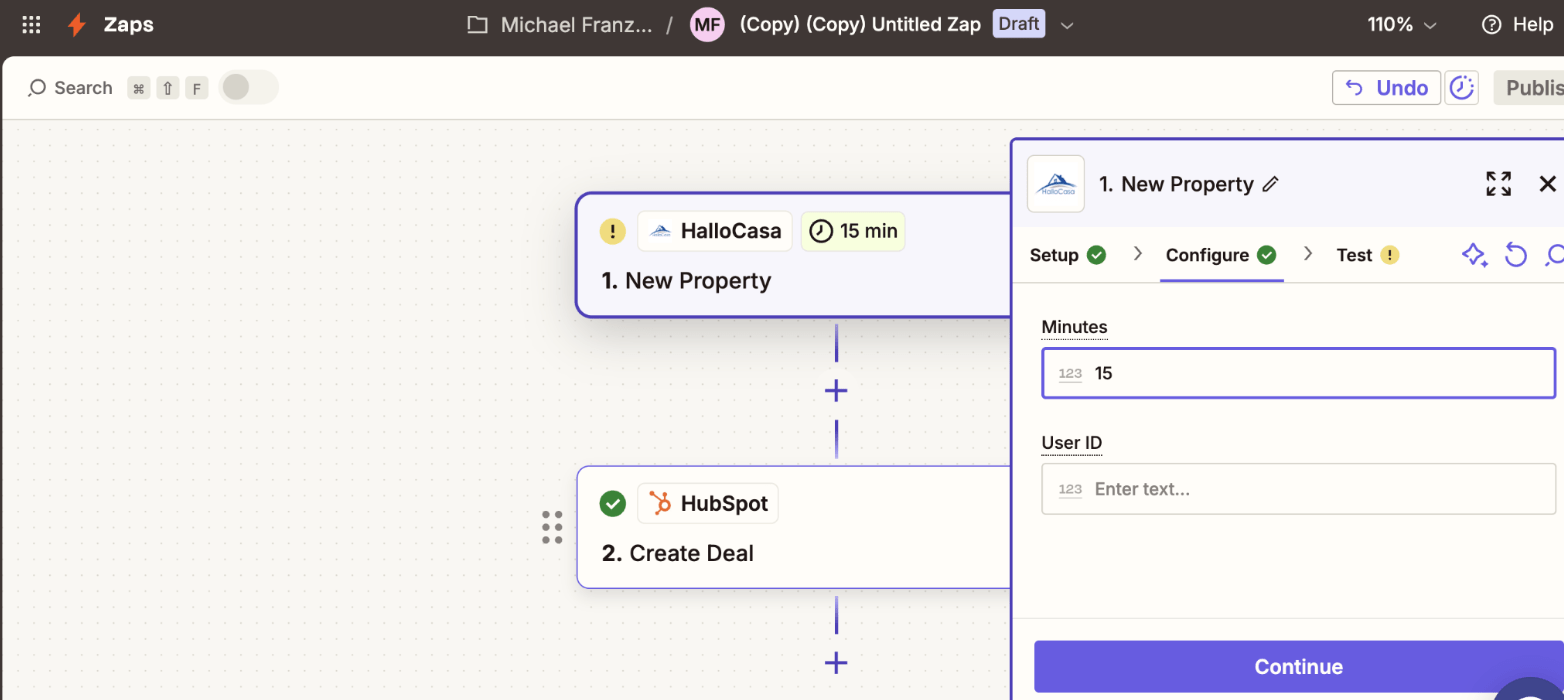
1.11 Test the Trigger
1.12 Click on Continue
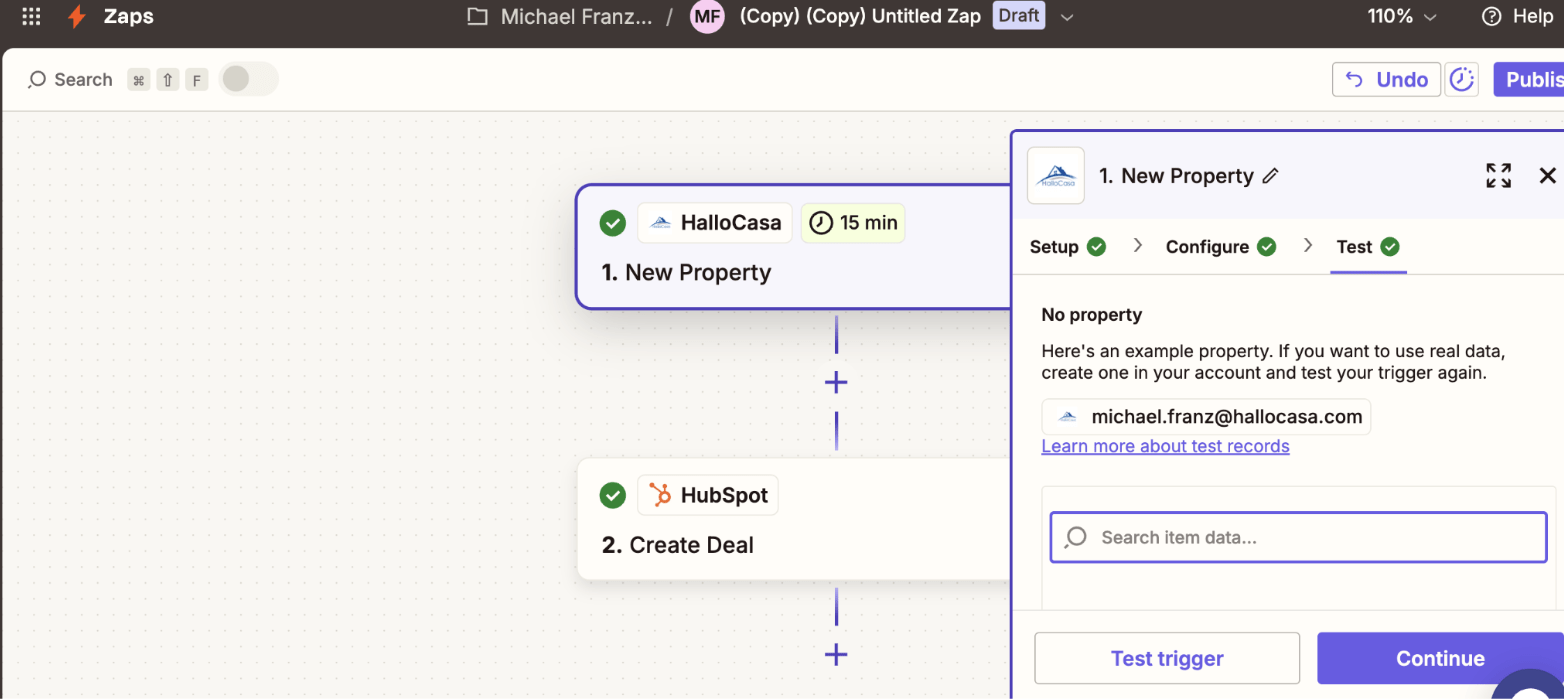
1.13 Click on “Action”
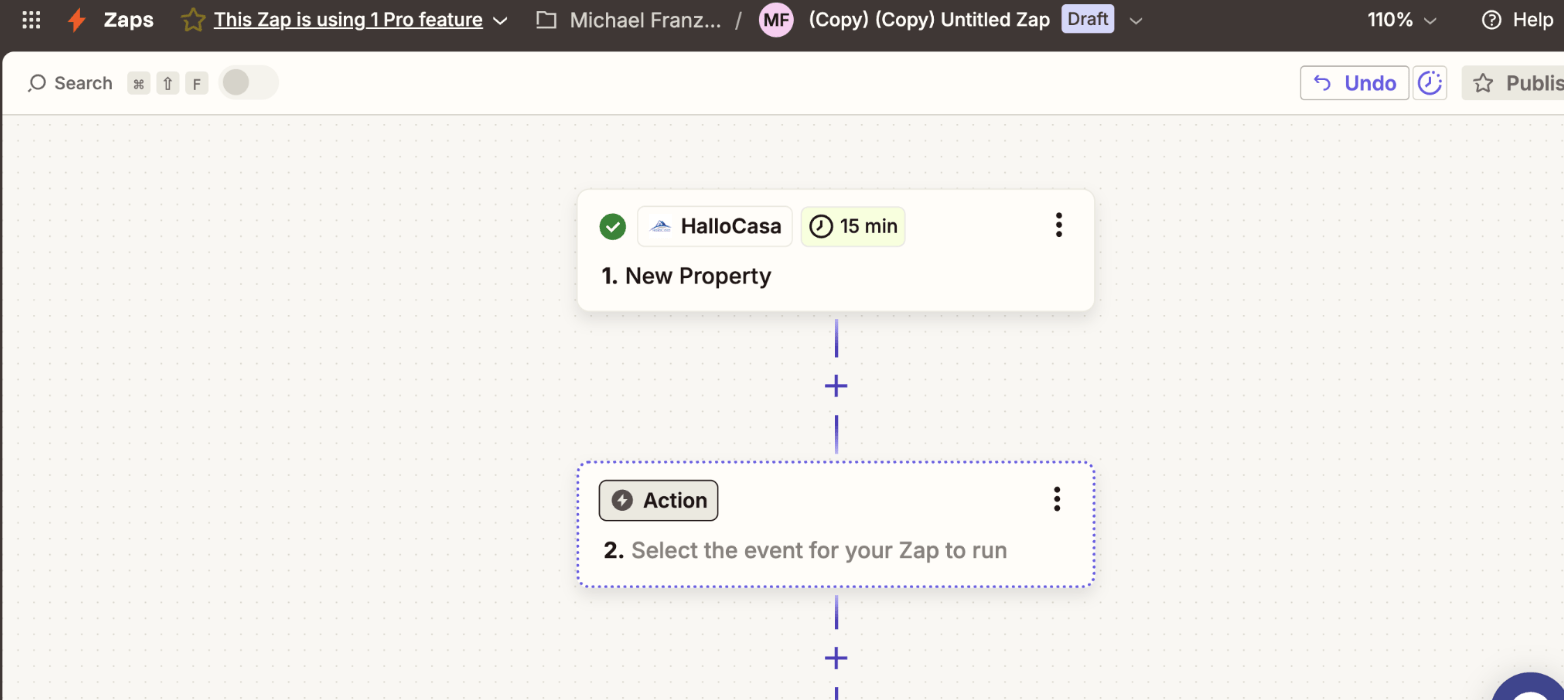
1.14 Choose Your CRM
(We choose Hubspot as an example)
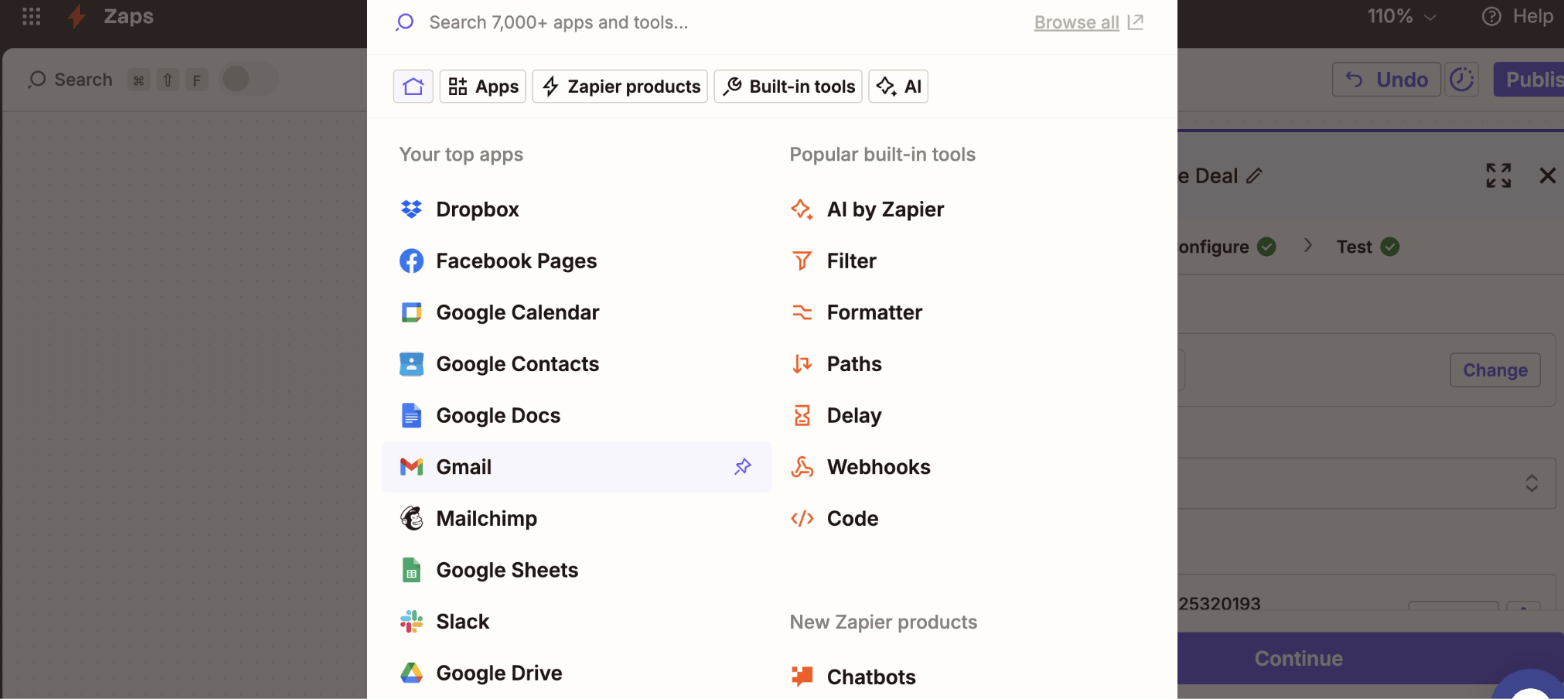
1.15 Click on it
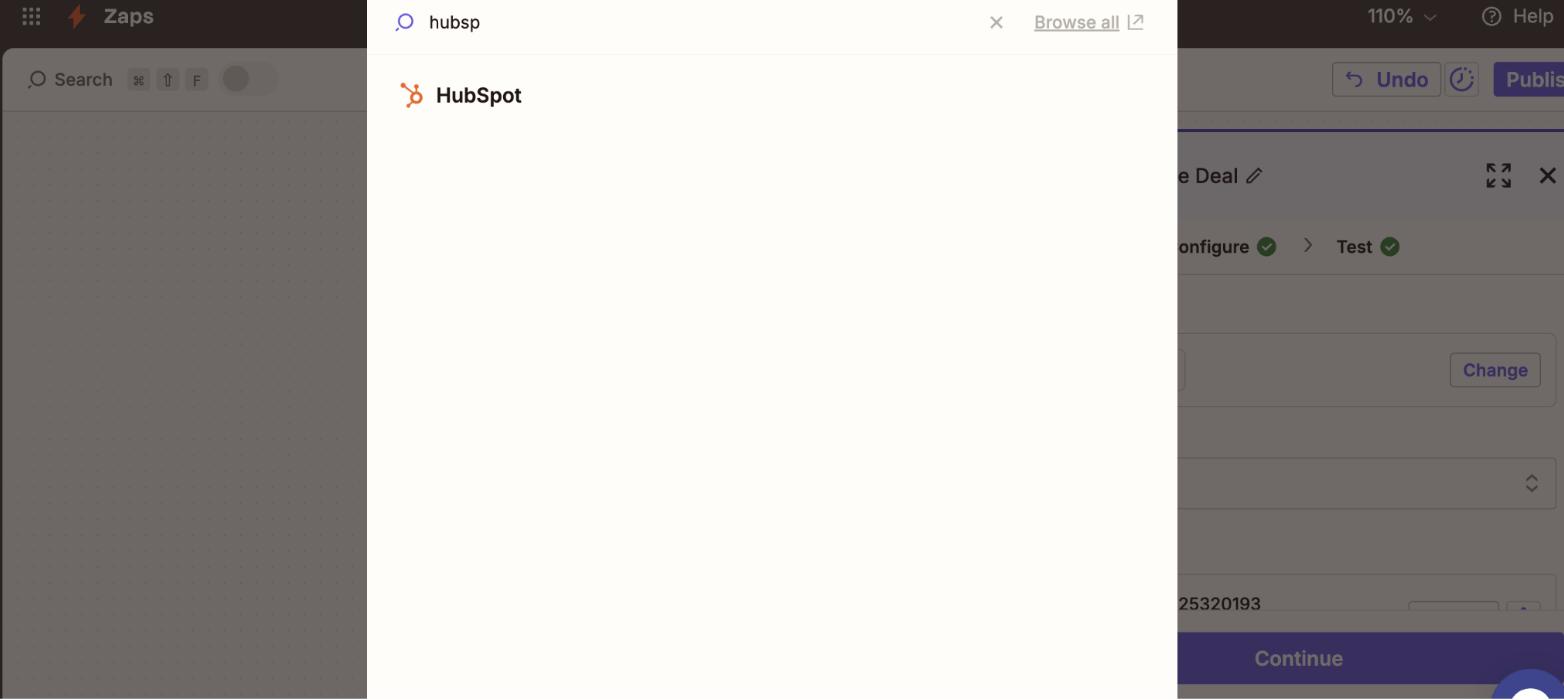
1.16 Choose Action “Create Deal”
1.17 Click on "Account
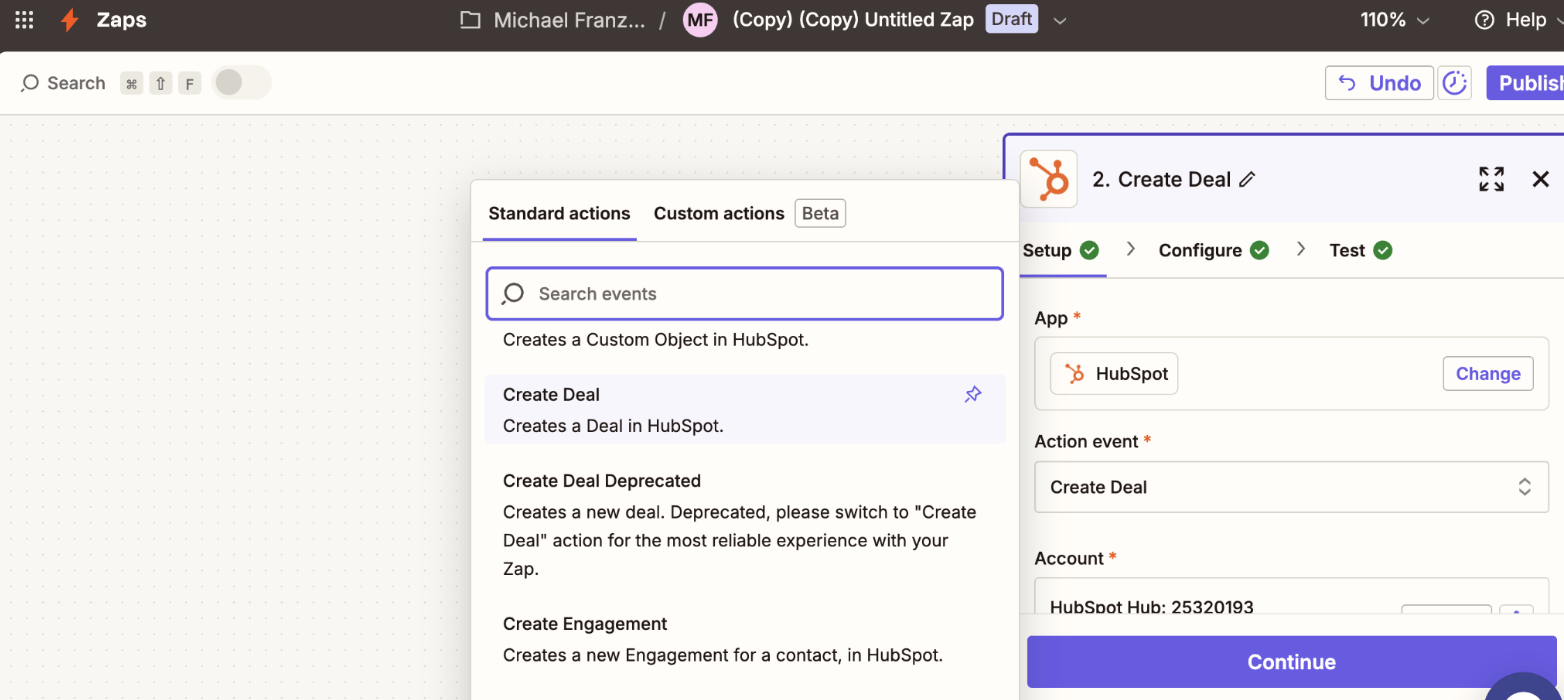
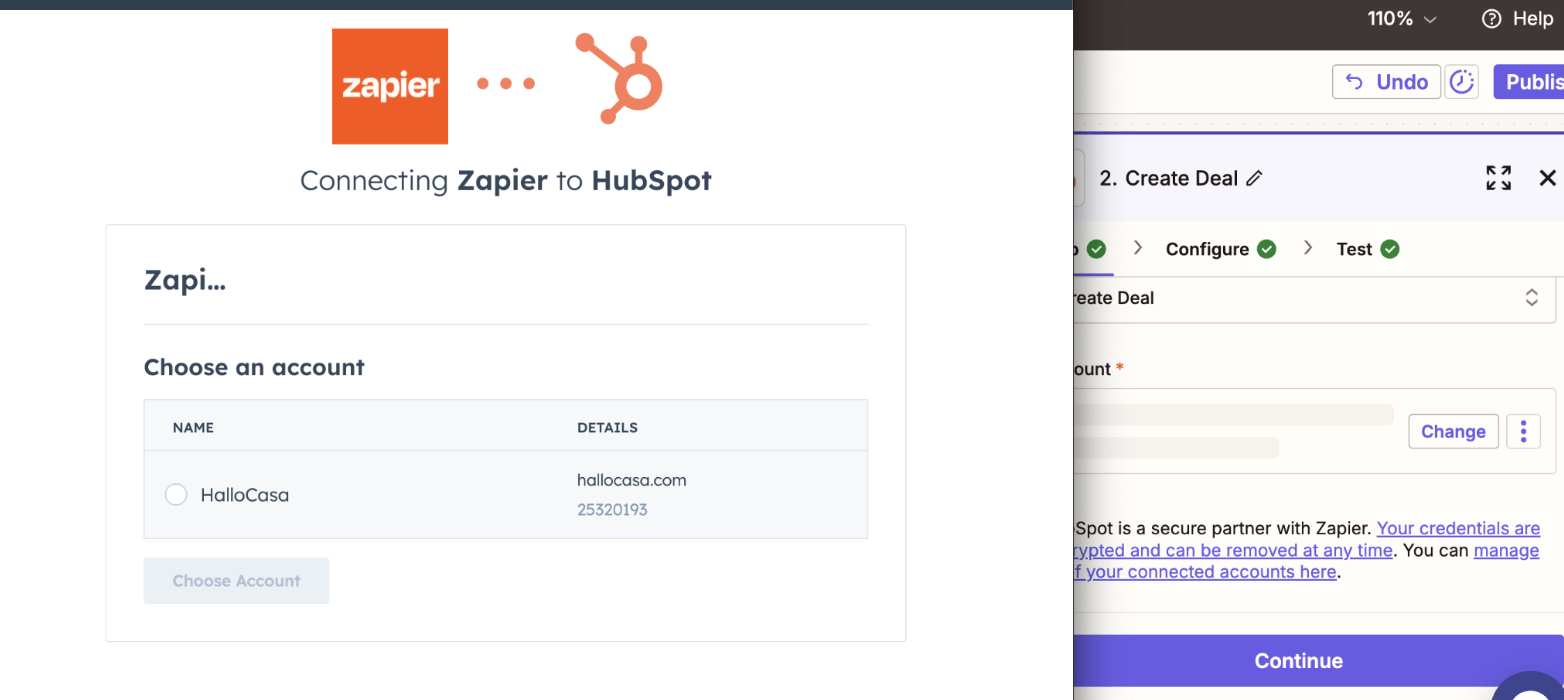
1.18 Login to Your Hubspot Account
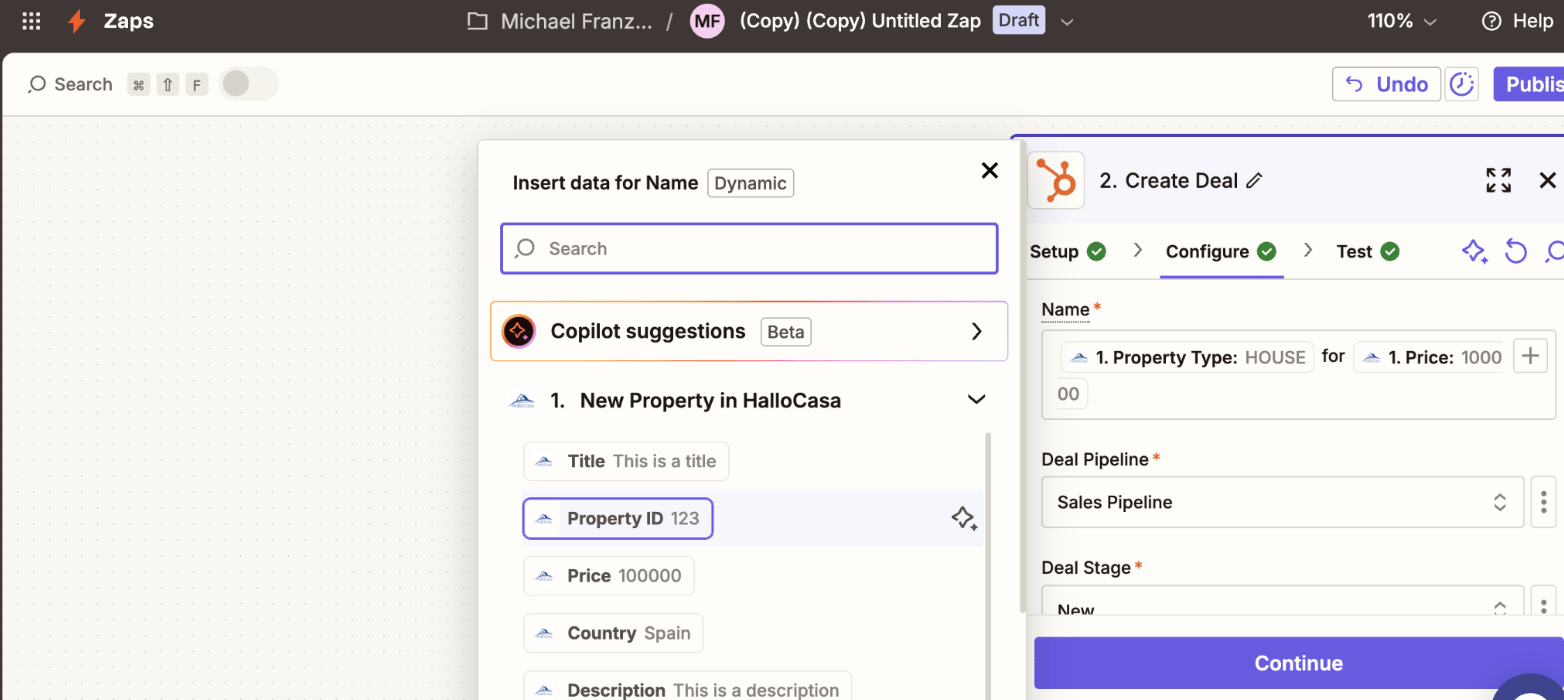
1.19 Choose the HalloCasa Fields you want to show in each field using the + Button
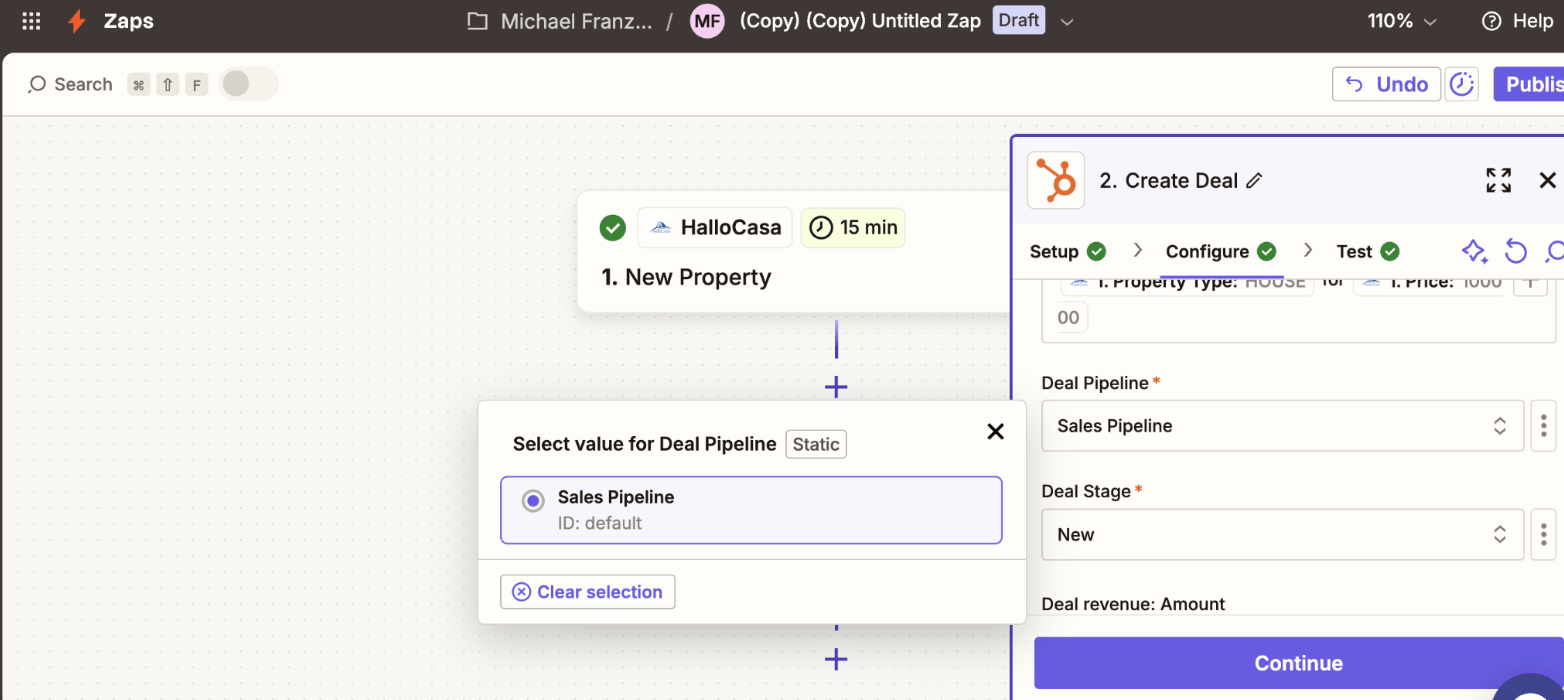
1.20 Choose the Correct Sales Pipeline
1.21 Choose the Deal Stage
1.22 Choose the Deal Amount
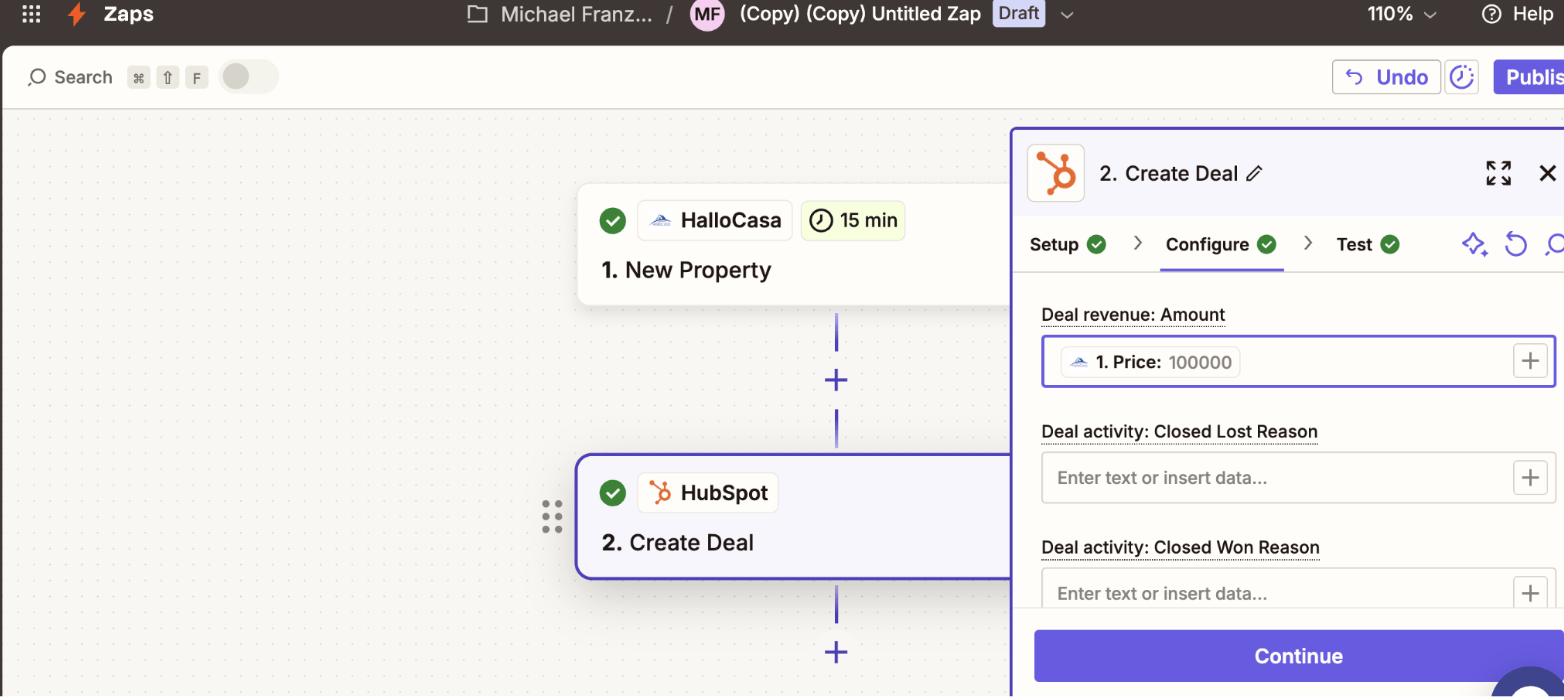
1.23 Choose the Deal Information
1.24 Click “Continue”
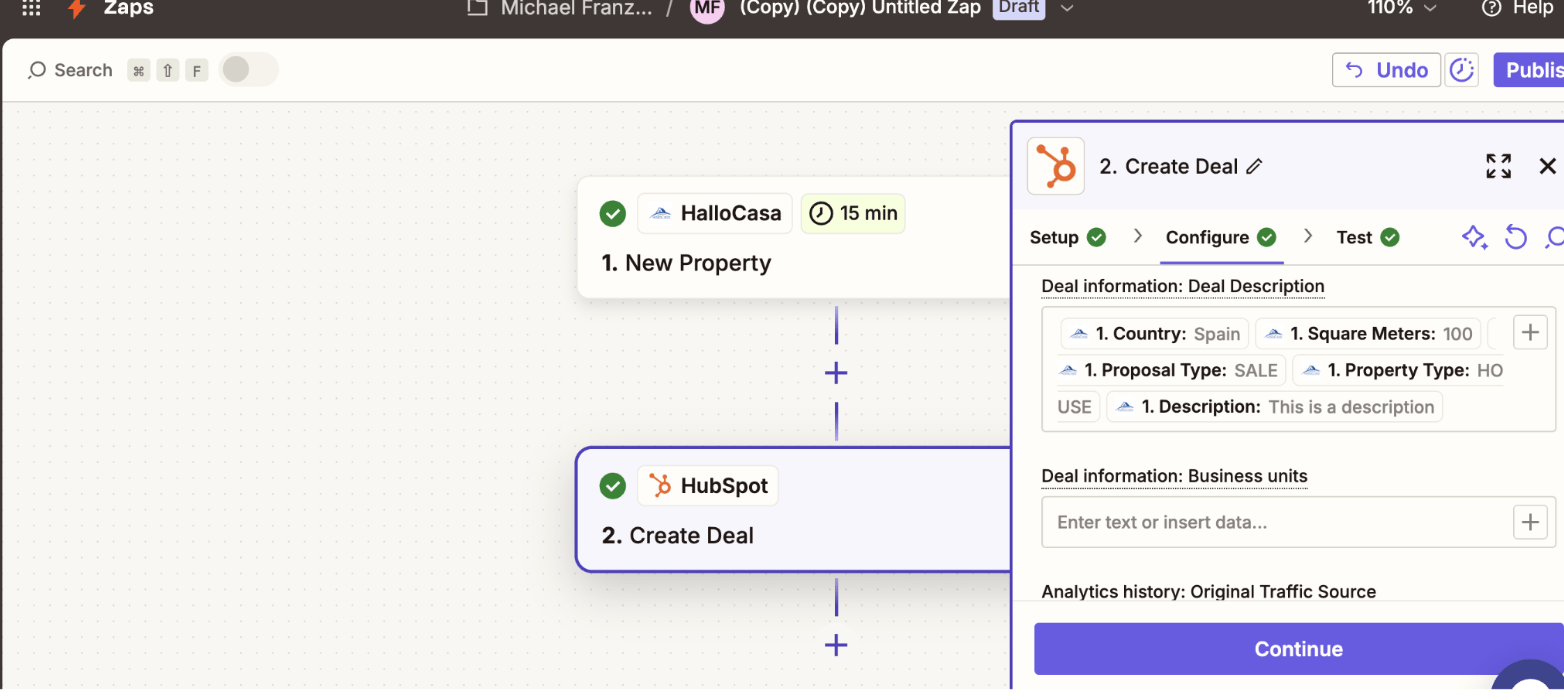
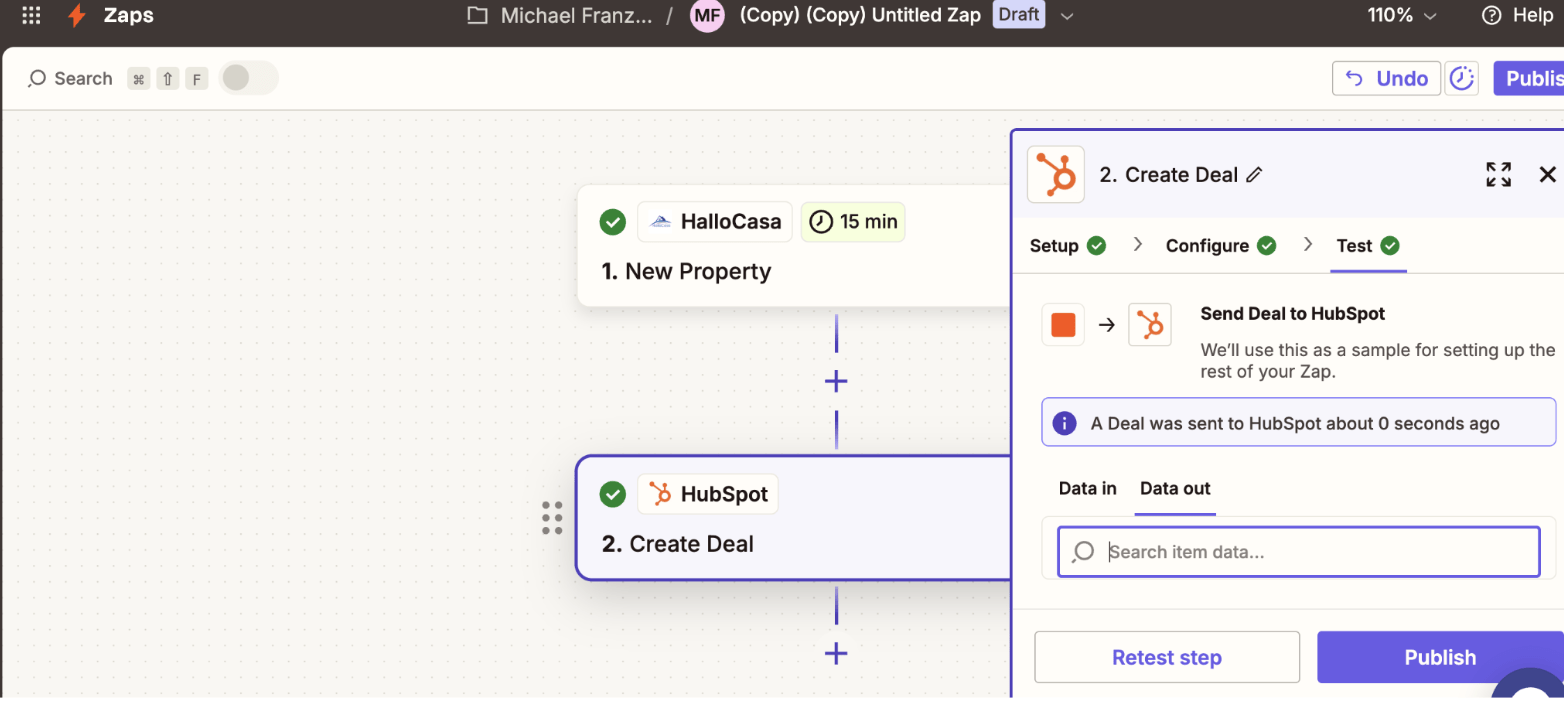
1.25 Click “Publish”
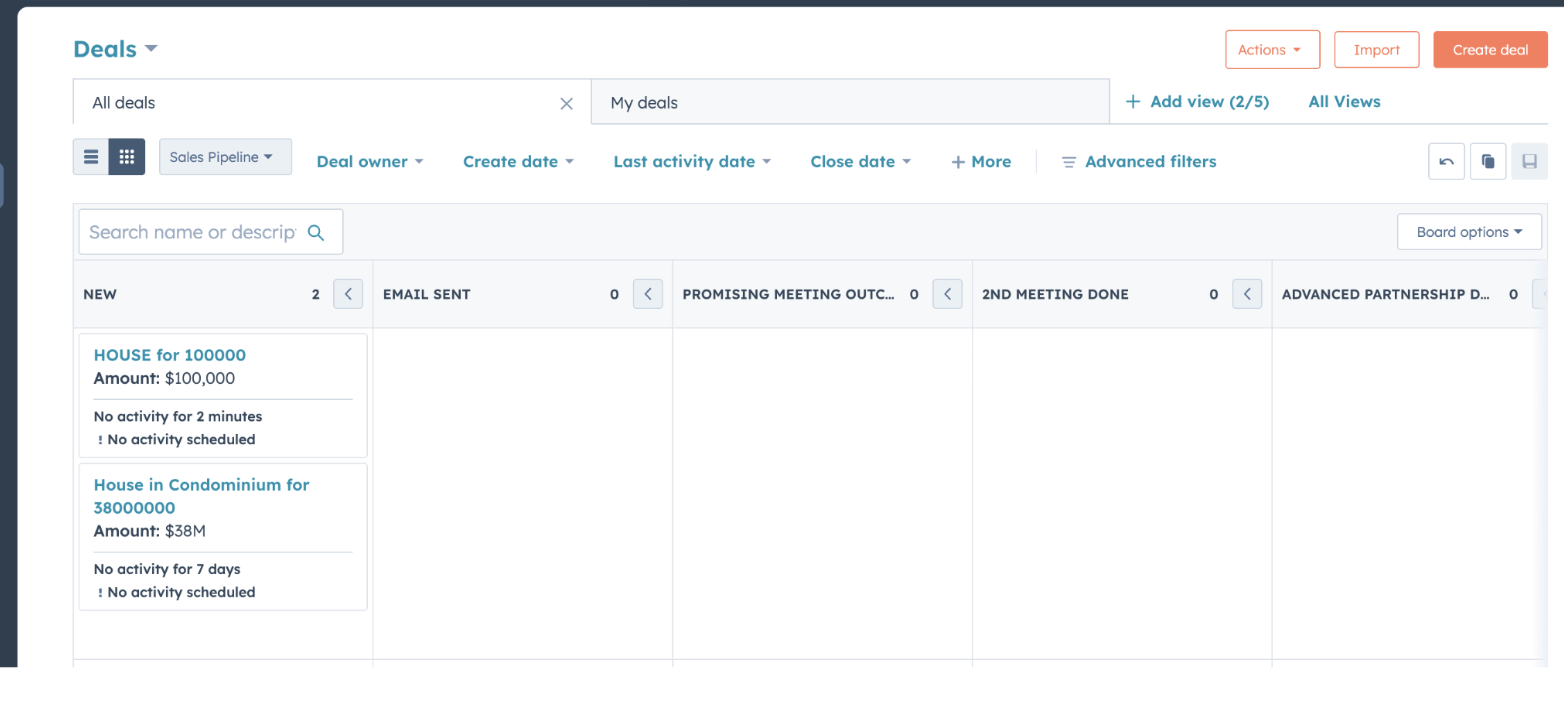
1.26 Check Your Listing is in Your Deals
2. Push Your Listings automatically to your Social Media Accounts
2.1 Create a Zapier Account by clicking here.
2.2 Click on “Create”
2.3 Choose “Zaps”
2.4 Click on the “Trigger” Box
2.5 Search “HalloCasa”
2.6 Select “HalloCasa”
2.7 In the right box, click on “Trigger Event”
2.8 Log in with Your HalloCasa Login Details to connect to HalloCasa
2.9 Enter “15”
2.10 Enter Your Email Address
2.11 Test the Trigger
2.12 Click on Continue
2.13 Click on “Action”
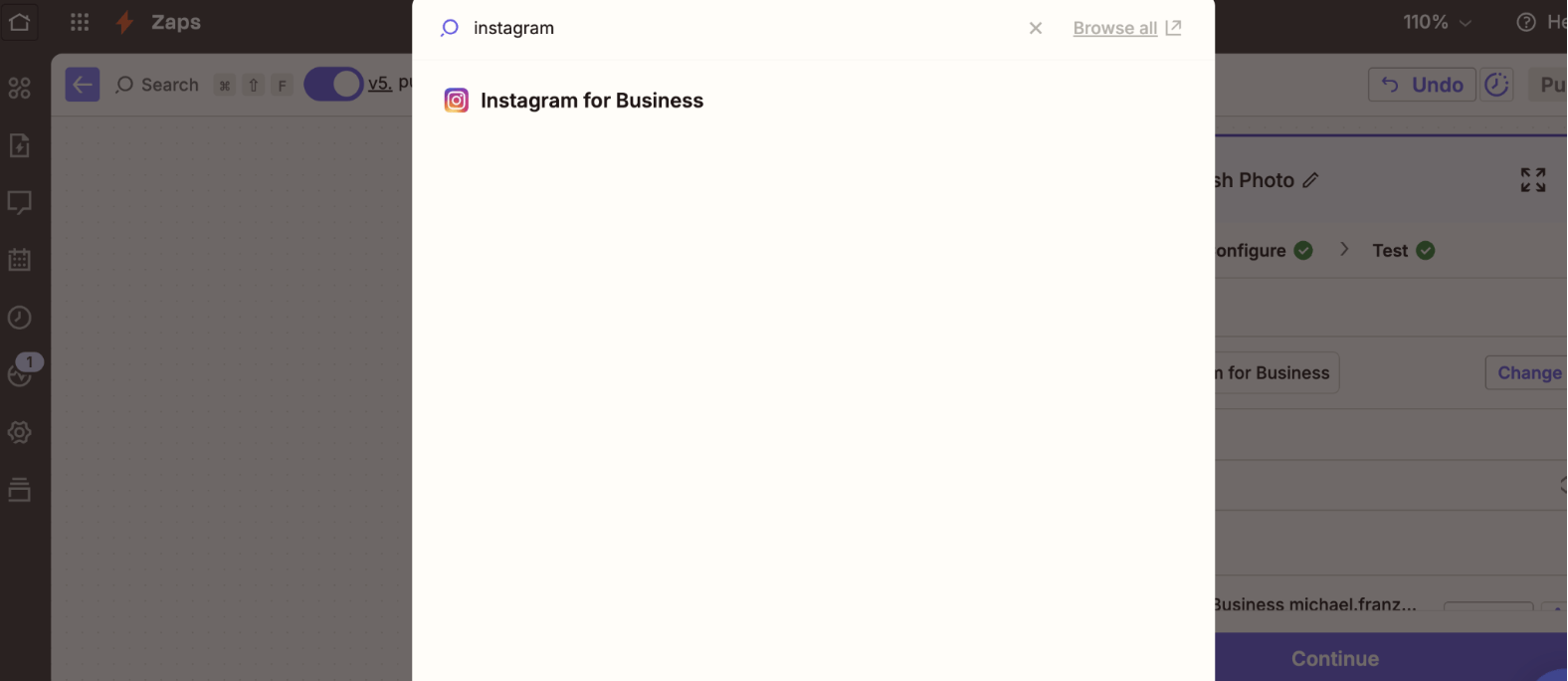
2.14 Search “Instagram for Business”
2.15 Click on it
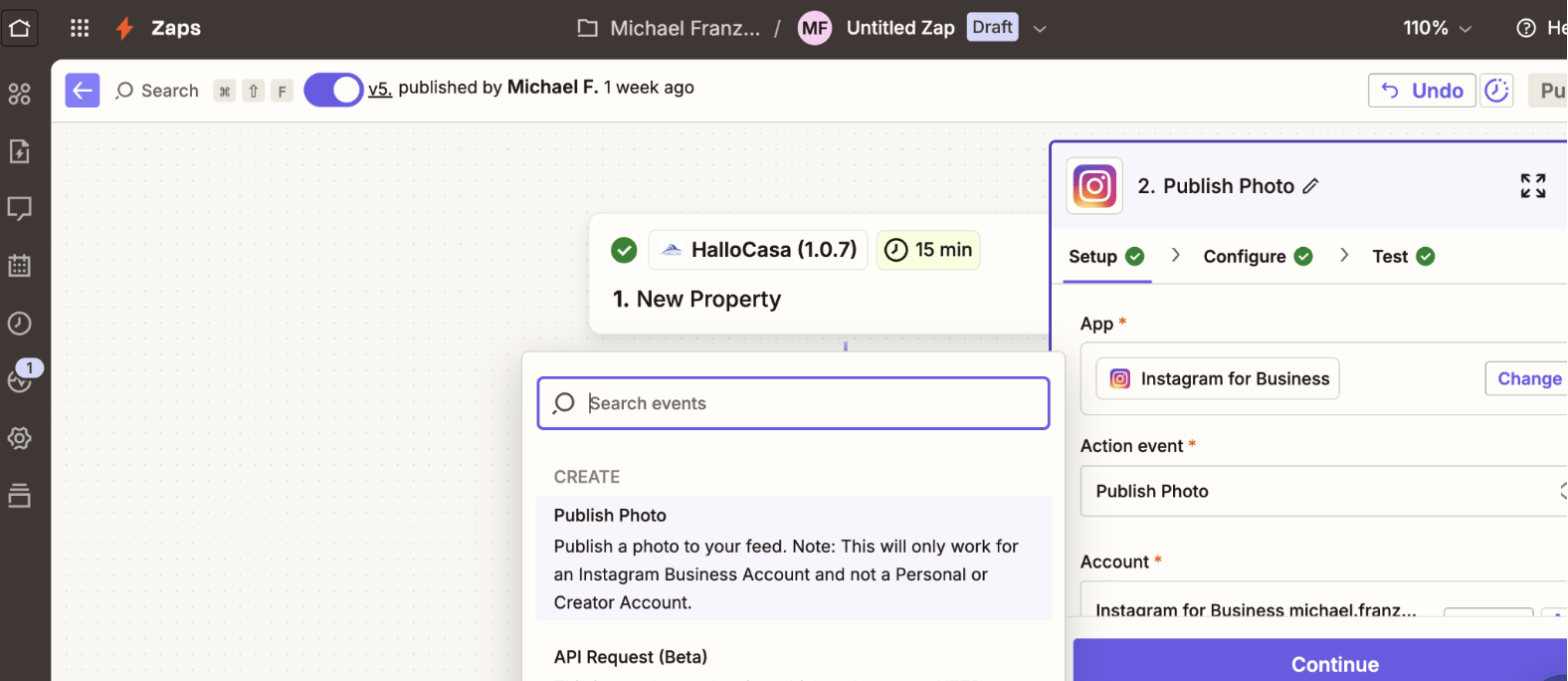
2.16 Select the Event “Publish Photo”
2.17 Sign In to Your Instagram Account
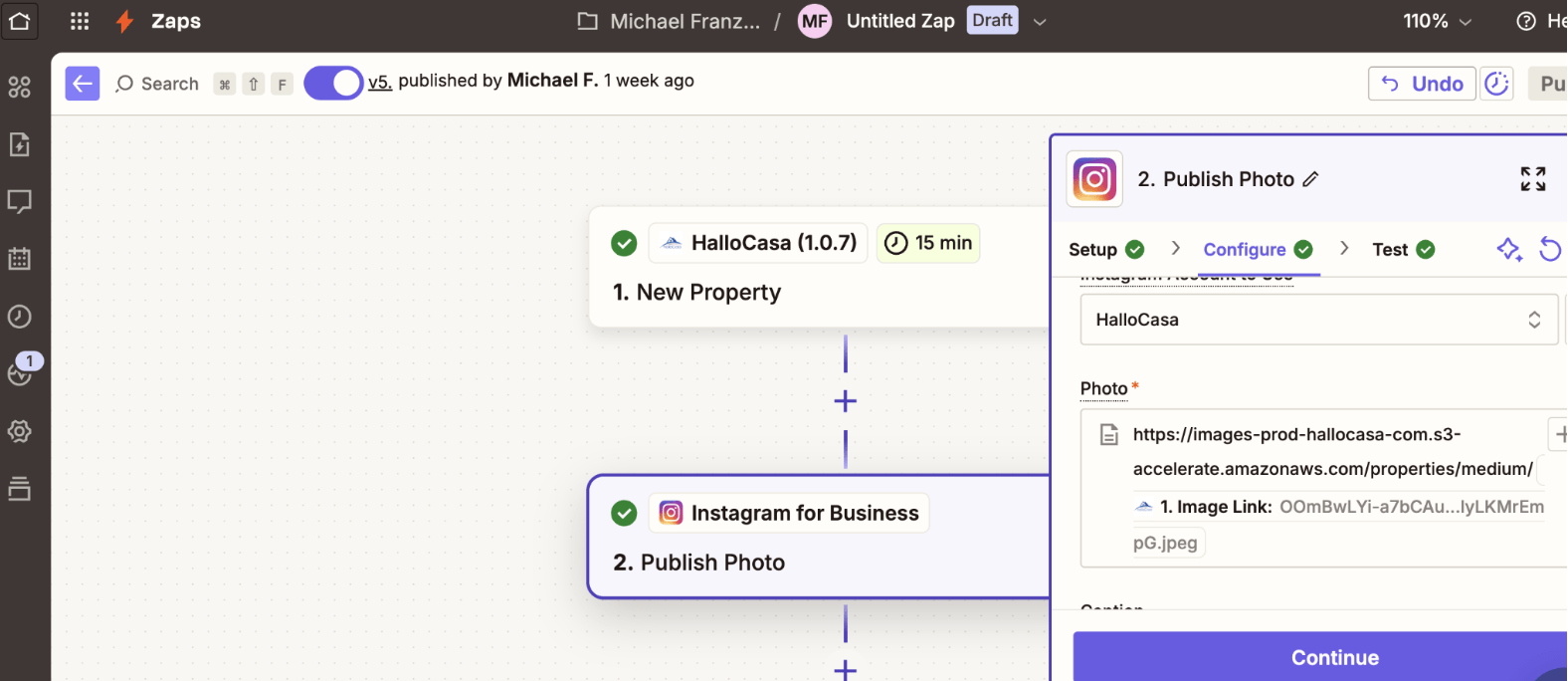
2.18 Enter the information into the Caption using the + Symbol
Important:
1. Paste this URL to show your image: https://images-prod-hallocasa-com.s3-accelerate.amazonaws.com/properties/medium/
2. After "medium/": Add the Parameter "Image Link"
3. Example with real example link: https://images-prod-hallocasa-com.s3-accelerate.amazonaws.com/properties/medium/{{281132302__id}}
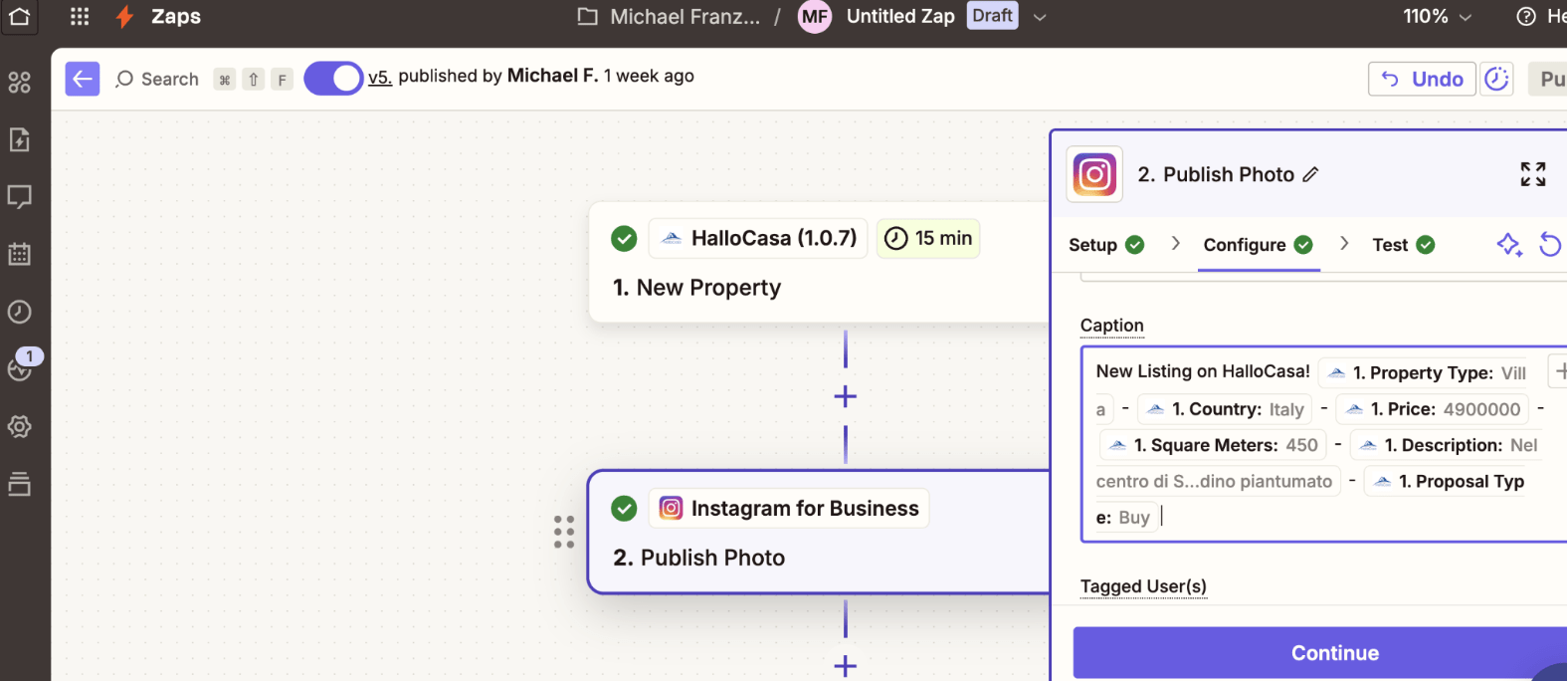
2.18 Enter the information into the Caption using the + Symbol
2.19 Click “Continue”
2.20 Click Publish
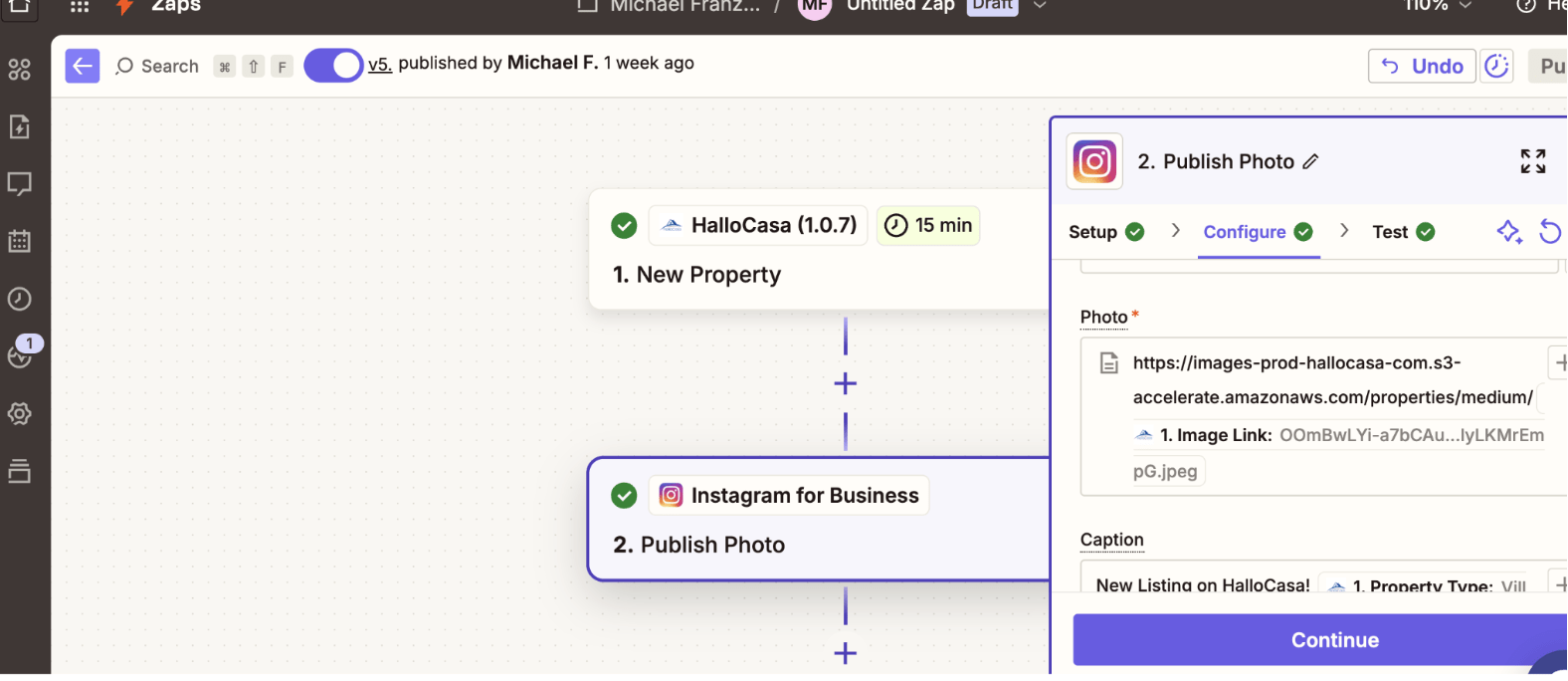
3. Send a Newsletter to Your Contacts with Your E-Mail Provider
3.1 Create a Zapier Account by clicking here.
3.2 Click on “Create”
3.3 Choose “Zaps”
3.4 Click on the “Trigger” Box
3.5 Search “HalloCasa”
3.6 Select “HalloCasa”
3.7 In the right box, click on “Trigger Event”
3.8 Log in with Your HalloCasa Login Details to connect to HalloCasa
3.9 Enter “15”
3.10 Enter Your Email Address
3.11 Test the Trigger
3.12 Click on Continue
3.13 Click on “Action”
3.14 Search “Gmail" or your other email provider
3.15 Click on it
3.16 Choose Action Event “Send Email”
3.17 Sign In to Your “Gmail”
3.18 Click “Continue”
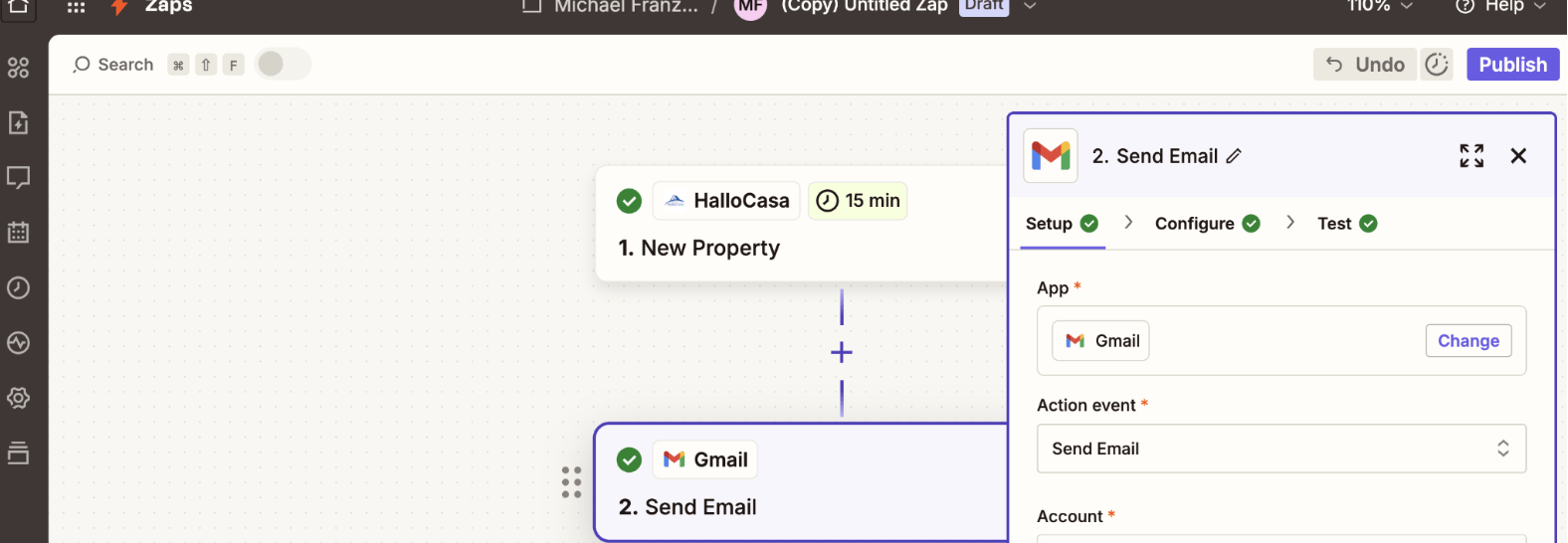
3.19 Choose from which Email Address You want to send it
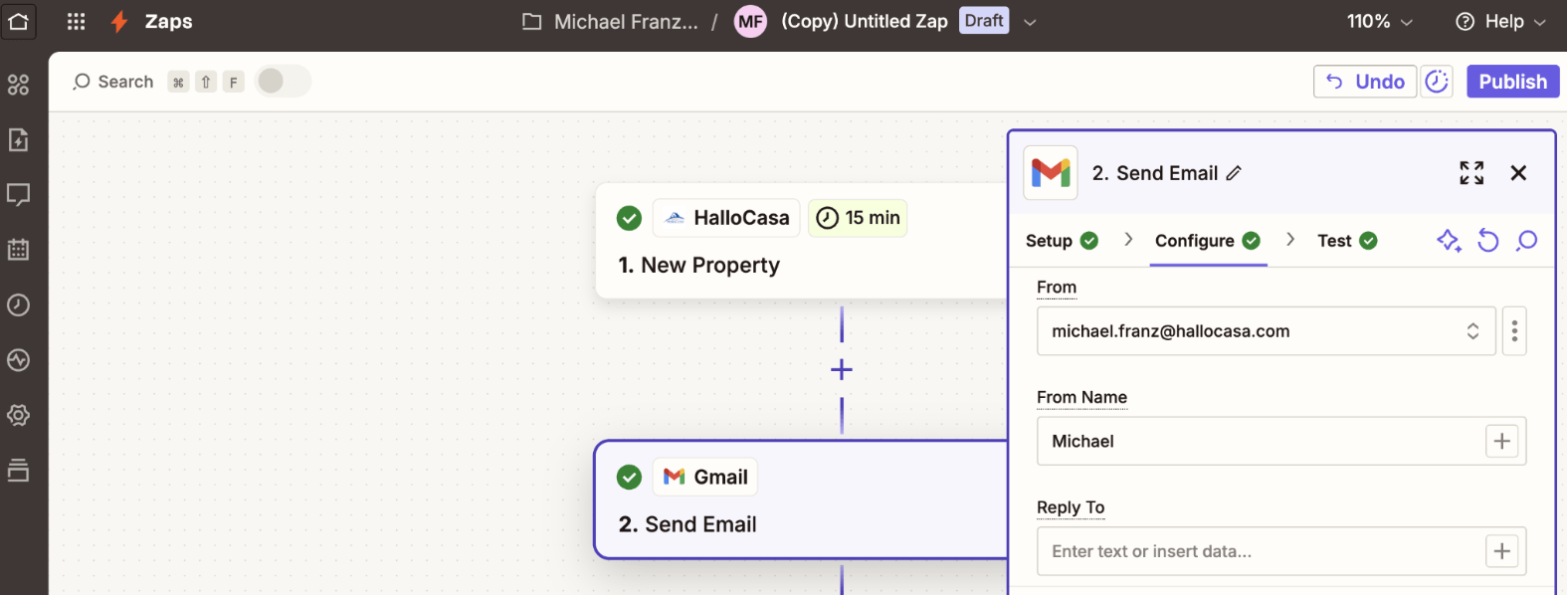
3.20 Enter the Subject Line
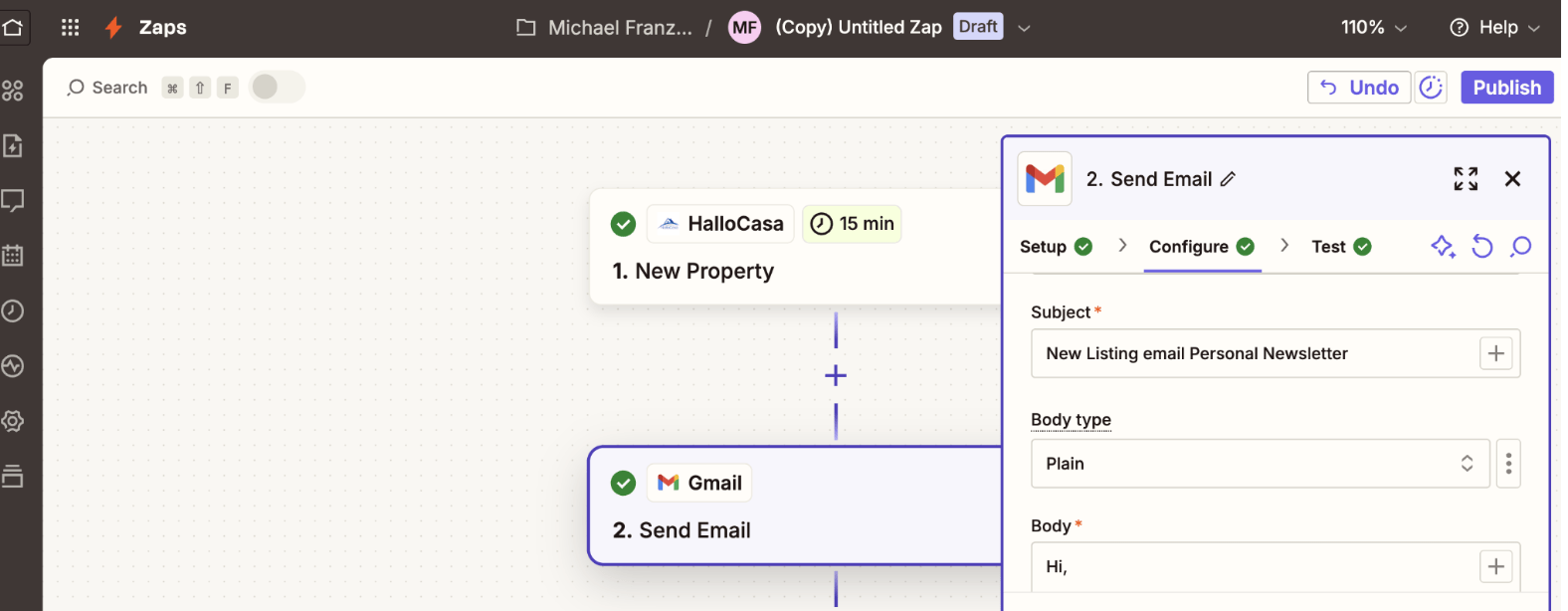
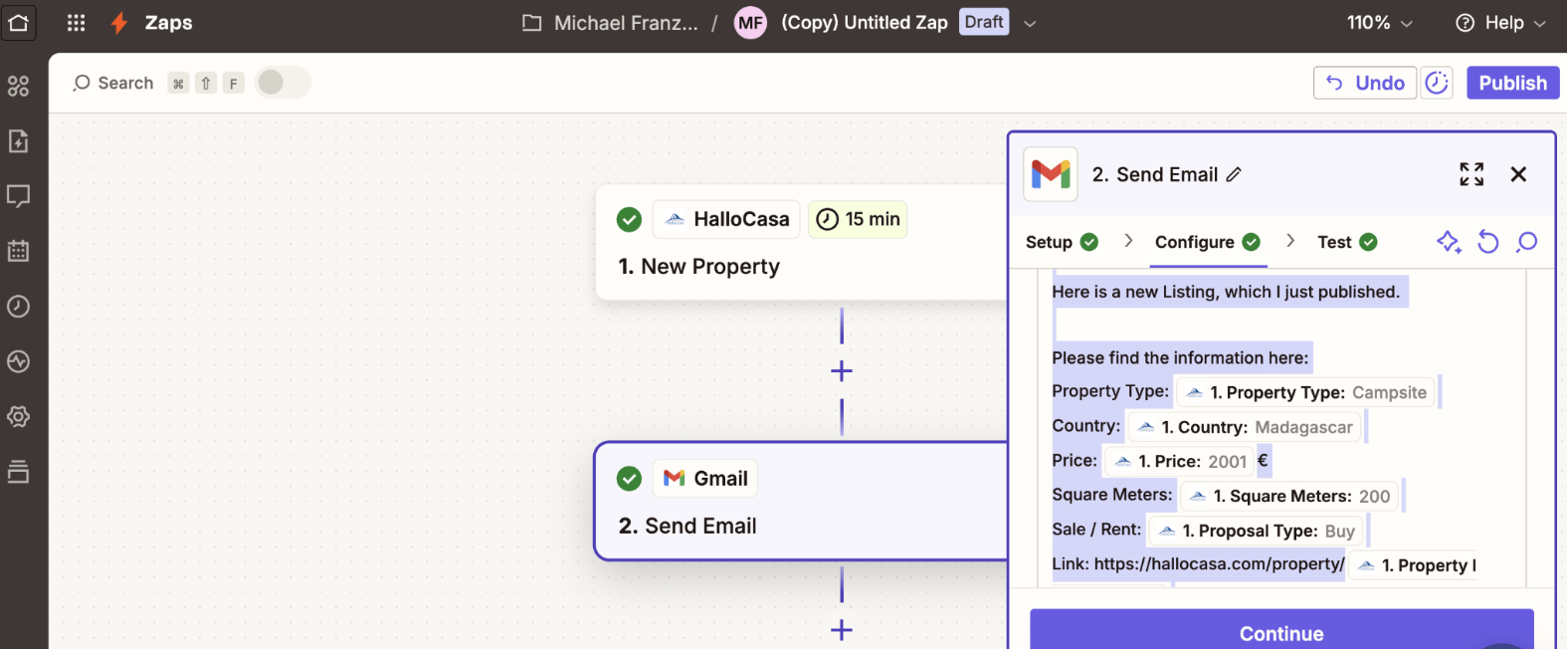
3.21 In the body, enter following information:
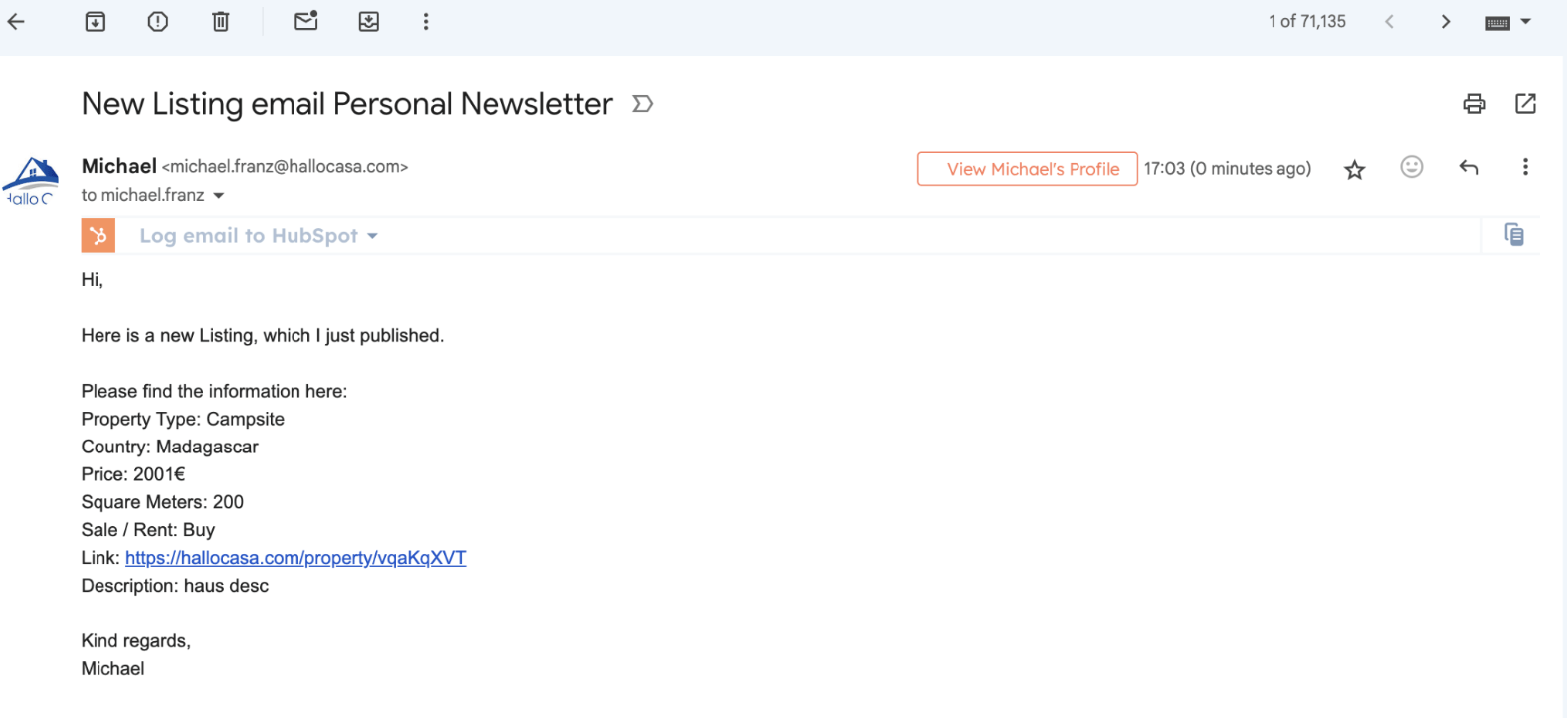
Hi,
Here is a new Listing, which I just published.
Please find the information here:
- Property Type: {{287552262__propertyType}}
- Country: {{287552262__country}}
- Price: {{287552262__price}}€
- Square Meters: {{287552262__squareMeters}}
- Sale / Rent: {{287552262__proposal}}
- Link: https://hallocasa.com/property/{{287552262__id}}
- Description: {{287552262__description}}
Kind regards,
Your Name
Click “Continue”
3.22 Test it